
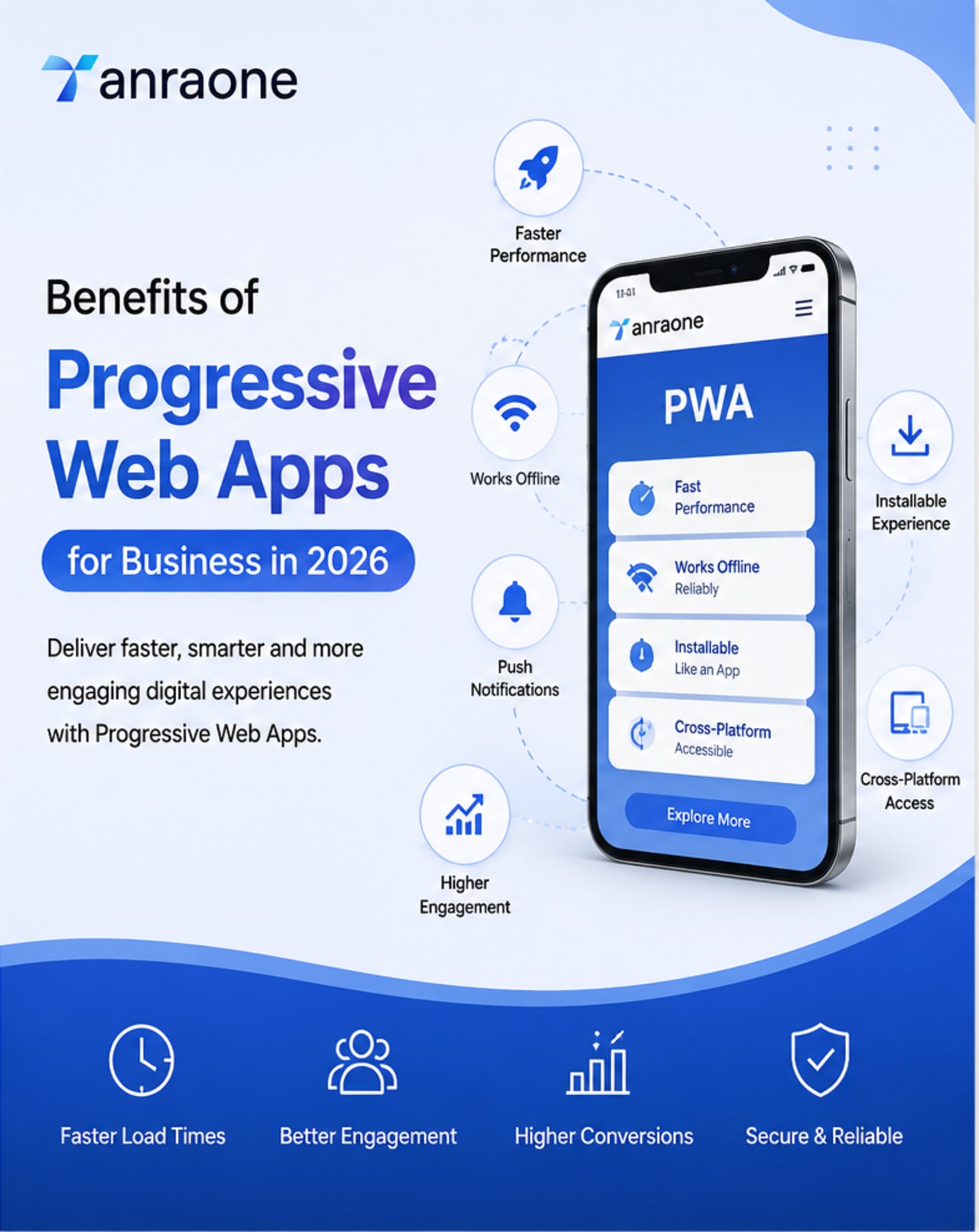
Why choose between a website and an app when you can have both? The business case for PWAs.
Businesses in 2026 need digital experiences that are fast, reliable, mobile-friendly, and easy to access. Customers expect websites and applications to work smoothly across devices without unnecessary downloads, long loading times, or complicated navigation.
This is where Progressive Web Apps (PWAs) can provide a practical advantage. A PWA combines the accessibility of a website with many features associated with mobile applications, including installation, offline capabilities, fast loading, and app-like experiences.
For businesses looking to improve customer engagement and deliver a better mobile experience, PWA Development can be an effective approach when the technology matches the business requirements.
What Is a Progressive Web App?
A Progressive Web App (PWA) is a web application built using modern web technologies to provide an app-like experience through a browser.
Unlike traditional mobile applications, users can access a PWA directly through a web link. On supported devices and browsers, they can also install it for easier access.
PWAs typically use technologies such as service workers, web app manifests, caching, HTTPS, and responsive design to improve reliability and usability.
A well-developed PWA can provide:
- Fast and responsive user experiences
- Mobile and desktop compatibility
- Installability
- Offline or low-connectivity functionality
- Secure web access
- App-like navigation
- Easier updates
- Web-based discoverability
Why Are Progressive Web Apps Important for Businesses in 2026?
Mobile users expect digital products to be quick, convenient, and reliable. A slow or difficult website can create friction before a customer even reaches the conversion stage.
PWAs allow businesses to combine the broad reach of the web with selected capabilities commonly associated with mobile apps.
For businesses, this can create opportunities to improve:
- Customer experience
- Website performance
- User engagement
- Repeat visits
- Mobile usability
- Customer retention
- Digital product accessibility
However, a PWA is not automatically the right choice for every business. The decision should be based on the company's audience, product requirements, technical needs, and long-term digital strategy.
10 Major Benefits of Progressive Web Apps for Business
1. Improved Mobile User Experience
One of the main PWA Benefits is the ability to deliver a smooth experience across mobile devices.
A PWA can automatically adapt its interface to different screen sizes while maintaining consistent navigation and functionality.
For example, an e-commerce business can allow customers to browse products, search categories, add products to their cart, and complete purchases through a mobile-friendly experience.
A better mobile experience can reduce friction and make it easier for customers to complete important actions.
2. App-Like Experience Without a Traditional App Download
Traditional mobile applications generally require users to find an app through an app store, download it, install it, and keep it updated.
PWAs provide a different approach.
Users can discover the business through the web and access the application directly from a browser. On supported platforms, they can also install the PWA on their device.
This can make the customer journey simpler:
Search → Visit Website → Use PWA → Install → Return
This is particularly useful for businesses that depend on repeat customers.
3. Faster Loading and Better Performance
Performance plays an important role in digital customer experience.
PWAs can use caching and service workers to make frequently accessed resources available locally. This can help reduce unnecessary network requests and improve repeat-loading performance.
A faster experience can be valuable for:
- E-commerce stores
- Booking platforms
- Education websites
- SaaS applications
- Customer portals
- News platforms
Businesses should still optimize images, JavaScript, CSS, APIs, fonts, and third-party scripts because simply converting a website into a PWA does not automatically make it fast.
4. Offline and Low-Connectivity Access
One of the most useful PWA Benefits is the ability to support offline or low-connectivity experiences.
Service workers can cache selected resources and control how certain requests are handled when the network is unavailable.
For example, an education platform could allow students to access previously loaded learning materials even when their internet connection becomes unstable.
A field-service application could also allow employees to access previously synchronized information while working in areas with poor connectivity.
Offline functionality must be carefully designed. Businesses need to determine which data should be available offline and how information should synchronize when the connection returns.
5. Cross-Platform Accessibility
A PWA can work across supported browsers and devices, giving businesses a broader digital reach.
Instead of creating completely separate experiences for every platform, businesses can use a web-based application that adapts to different environments.
This can simplify parts of:
- Development
- Testing
- Maintenance
- Deployment
- Content updates
However, platform differences still matter. Certain browser and operating-system capabilities may behave differently, so testing across important devices remains essential.
6. Easier and Faster Updates
Another important advantage of PWA Development is the flexibility of web-based deployment.
Businesses can update their web application through their normal deployment process without requiring every change to follow the same app-store update workflow as a traditional mobile application.
This can help teams respond quickly to:
- Bugs
- Customer feedback
- Product changes
- Design improvements
- Security updates
- New features
Faster deployment can be especially valuable for businesses that frequently improve their digital products.
7. Better Customer Engagement
Businesses need customers to return after their first visit.
A PWA can create a more convenient repeat-use experience by allowing users to install the application on supported devices.
Depending on platform and browser support, PWAs can also use web push capabilities for permission-based customer communication.
For example, an online store could send relevant updates about:
- Order status
- Product availability
- Saved items
- Special offers
- Delivery updates
Notifications should be useful and relevant. Excessive notifications can have the opposite effect and reduce customer trust.
8. Stronger Web Discoverability
One of the biggest advantages of a PWA compared with a traditional app is that it remains part of the web.
Customers can discover the business through:
- Google Search
- Social media
- Online advertisements
- Shared links
- Email campaigns
- Referral traffic
A customer does not necessarily need to install an application before accessing the business.
This creates a useful connection between SEO and the customer journey:
Search → Landing Page → Product or Service → Conversion → Repeat Visit
A PWA can therefore complement an existing SEO strategy when its content and technical architecture are properly implemented.
9. Potentially More Efficient Development
Businesses already investing in web development may be able to extend their existing technology into a PWA rather than building an entirely separate product.
Depending on the project, teams may reuse:
- Web components
- APIs
- Authentication systems
- Business logic
- Design systems
- Analytics
- Backend infrastructure
This does not mean PWA Development is always inexpensive. Complex applications involving payments, real-time functionality, offline synchronization, advanced security, and third-party integrations can require significant development effort.
10. Improved Accessibility Across Devices
PWAs can provide customers with a consistent experience across smartphones, tablets, laptops, and desktops.
Because PWAs are built using web technologies, businesses can also apply established web accessibility practices.
A good PWA should consider:
- Clear navigation
- Readable text
- Accessible forms
- Keyboard navigation
- Semantic HTML
- Proper heading structure
- Sufficient color contrast
- Screen-reader compatibility
- Responsive design
Accessibility should be part of the development process rather than something added at the end.
PWA vs Native App vs Responsive Website
Choosing the right technology depends on the business objective.
| FeatureResponsive WebsitePWANative App | |||
|---|---|---|---|
| Browser access | Yes | Yes | Limited |
| Search visibility | Strong | Strong | Limited |
| Installation | Usually no | Yes, where supported | Yes |
| App-like experience | Limited | Yes | Yes |
| Offline functionality | Limited | Possible | Strong |
| Cross-platform reach | Strong | Strong | Platform-specific |
| Updates | Fast | Fast | App-store dependent |
| Device integration | Limited | Moderate and expanding | Extensive |
| Development complexity | Low to Medium | Medium | Medium to High |
A PWA can be a good middle ground for businesses that want more functionality than a traditional website but do not necessarily need a fully native mobile application.
Which Businesses Can Benefit From PWAs?
Progressive Web Apps can be useful for several types of businesses.
E-Commerce Businesses
Online retailers can use PWAs to improve mobile shopping experiences.
Potential features include:
- Product browsing
- Product search
- Shopping carts
- Customer accounts
- Order tracking
- Installable experiences
- Selected offline functionality
Education Platforms
Education companies can use PWAs to provide students with easy access to:
- Courses
- Learning materials
- Student dashboards
- Progress tracking
- Notifications
- Downloaded resources
Travel and Booking Platforms
Travel businesses can use PWAs for:
- Hotel bookings
- Ticket reservations
- Destination information
- Travel itineraries
- Booking management
- Offline access to selected information
SaaS Businesses
Software companies can use PWAs to provide browser-based applications with an app-like experience.
Examples include:
- CRM systems
- Project management tools
- Analytics dashboards
- Employee portals
- Business management applications
Media and Publishing Businesses
News websites and content platforms can use PWA features to make content easier to access and encourage repeat visits.
What Are the Limitations of PWAs?
Although there are many Benefits of Progressive Web Apps, businesses should also understand their limitations.
Platform Differences
PWA capabilities are not exactly the same across every browser and operating system.
Features such as installation, notifications, background processes, and certain device APIs may have different levels of support.
Advanced Hardware Requirements
If an application requires extensive access to specialized hardware or operating-system functionality, a native application may still be the better option.
Offline Development Can Be Complex
Supporting offline functionality requires careful planning.
Developers need to decide:
- Which resources should be cached?
- How should outdated content be handled?
- What happens when users edit data offline?
- How should data synchronize?
- How should conflicts be resolved?
Not Every Website Needs a PWA
A basic business website may not require PWA functionality.
If the website mainly contains:
- Company information
- Service pages
- Contact information
- Blog content
- Basic lead-generation forms
A well-optimized responsive website may be sufficient.
The technology should solve a real business requirement rather than being implemented simply because it is popular.
PWA Development Best Practices
Businesses planning PWA Development should focus on user needs, performance, security, and long-term maintainability.
Focus on Performance
Optimize:
- Images
- JavaScript
- CSS
- Fonts
- API requests
- Caching
- Third-party scripts
Plan Offline Functionality Carefully
Decide which features should work without an internet connection.
Do not promise full offline access unless the application is genuinely designed and tested for it.
Make Installation Useful
Give users a clear reason to install the PWA.
For example:
"Install the app to access your saved courses faster."
is more useful than simply asking:
"Install our app."
Prioritize Security
Use HTTPS and follow secure development practices for:
- Authentication
- User data
- Payments
- APIs
- Sessions
- Local storage
Test Across Real Devices
Test the PWA across the browsers and devices used by your target audience.
Important areas include:
- Installation
- Login
- Navigation
- Performance
- Offline functionality
- Notifications
- Checkout
- Accessibility
Does a PWA Improve SEO?
A PWA does not automatically improve Google rankings.
SEO performance still depends on factors such as:
- Helpful and relevant content
- Search intent
- Crawlability
- Indexability
- Internal linking
- Technical SEO
- Page experience
- Mobile usability
- Website authority
The advantage is that a PWA can remain accessible through web URLs, allowing businesses to combine web discoverability with an app-like experience.
Businesses should make sure important content is accessible to search engines and avoid relying entirely on client-side interactions for critical SEO content.
How to Measure PWA Success
Launching a PWA is only the beginning. Businesses should measure whether the application actually improves business performance.
Important metrics include:
- Conversion rate
- Installation rate
- Returning users
- Engagement rate
- Page performance
- Session duration
- Cart abandonment
- Customer retention
- Offline task completion
- Notification engagement
Before launching the PWA, establish baseline measurements. After implementation, compare the results to determine whether the investment is producing measurable improvements.
Is PWA Development Worth It in 2026?
For businesses that depend heavily on mobile users, repeat visits, online transactions, or app-like workflows, PWA Development can be a valuable investment.
PWAs can help businesses combine the accessibility of the web with features such as installation, offline functionality, faster repeat experiences, and customer re-engagement.
However, the right solution depends on the business.
A simple website may only need responsive design and technical SEO. A complex product requiring deep hardware integration may be better suited to native applications.
The best approach is to evaluate the customer journey, business objectives, technical requirements, and expected return before choosing the technology.
Frequently Asked Questions
What are the main benefits of Progressive Web Apps?
The main benefits include web accessibility, app-like experiences, installation, improved performance, offline capabilities, cross-platform access, faster updates, and customer re-engagement opportunities.
Are Progressive Web Apps still relevant in 2026?
Yes. PWAs remain useful for businesses that want to combine web reach with selected application-like capabilities. Their suitability depends on the project's requirements and target audience.
Is a PWA better than a native mobile app?
Not always. PWAs are useful when web discoverability and cross-platform access are important. Native applications can be better when deep device integration or platform-specific functionality is required.
Can a PWA work offline?
Yes, a PWA can support offline functionality when it has been specifically designed with service workers, caching, and appropriate data-handling strategies.
Can users install a PWA?
Yes. Supported browsers and platforms can allow users to install a PWA and access it from their device.
Does a PWA help SEO?
A PWA does not automatically improve rankings. SEO depends on content quality, technical implementation, crawlability, indexability, performance, and other search-related factors.
How much does PWA Development cost?
The cost depends on the complexity of the application, design, integrations, authentication, offline functionality, APIs, security requirements, and maintenance needs.
Can an existing website be converted into a PWA?
In many cases, yes. An existing website can be enhanced with PWA capabilities such as a web app manifest, service worker, caching, installability, and selected offline functionality.
Should every business build a PWA?
No. Businesses should choose a PWA when its capabilities solve a specific customer or business requirement. A simple website may not need the additional development complexity.
Conclusion
The Benefits of Progressive Web Apps go beyond simply making a website installable. A well-designed PWA can help businesses create a faster, more accessible, mobile-friendly, and engaging digital experience while maintaining the reach of the web.
From e-commerce and education to SaaS, travel, booking, and customer portals, PWAs can support businesses that need customers to access their digital products quickly and return frequently.
In 2026, the most important question is not whether every business needs a PWA. It is whether a PWA can solve a specific customer experience or business challenge better than the alternatives.
When the requirements align, PWA Development can be a powerful part of a modern digital strategy.